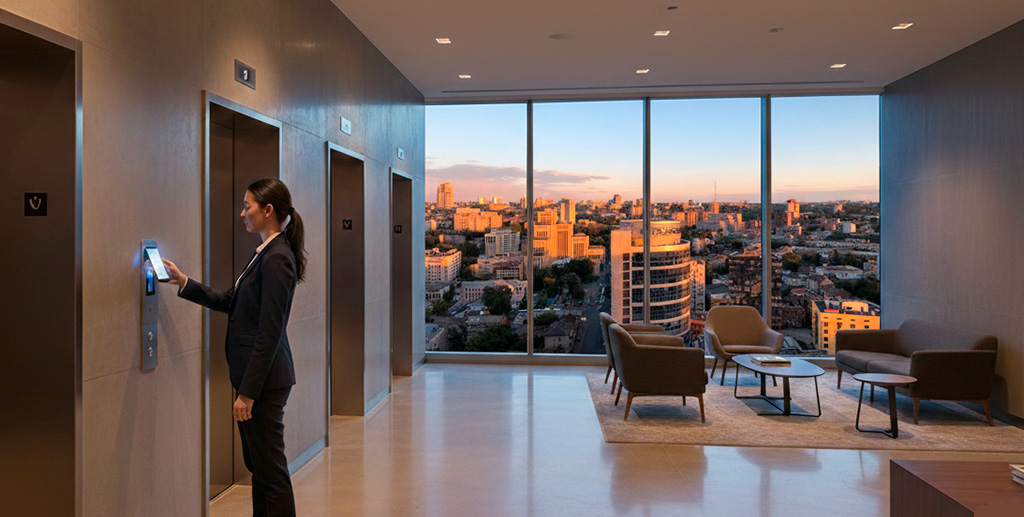
Installation of equipment
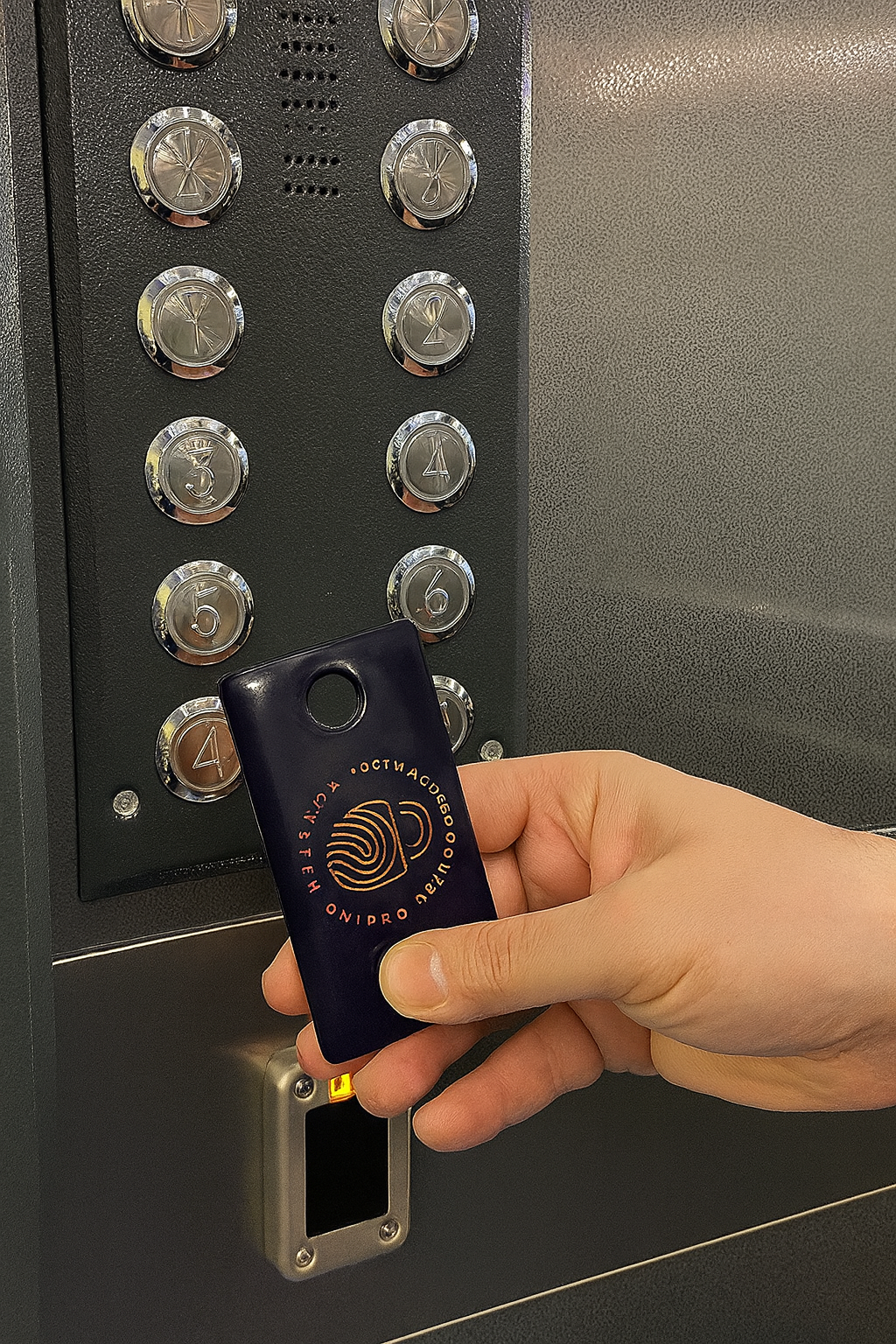
To organise access via a smartphone or key fob , the lift is fitted with additional equipment
User management
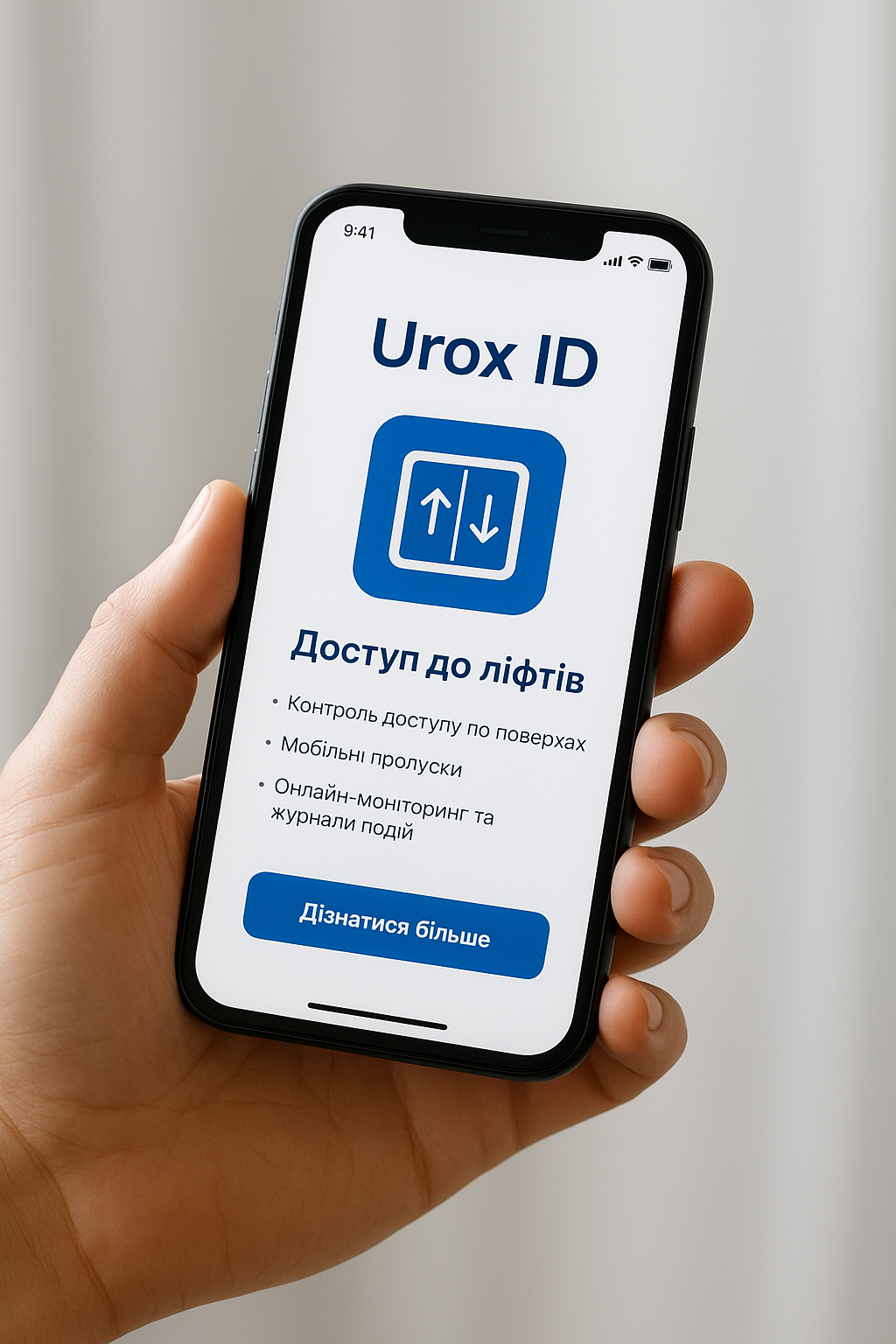
App for user access management:
Uprox ID — a modern access control system for lifts, supporting electronic cards, NFC tags and mobile devices. Thanks to the platform, you can easily and securely control – who can use the lift and which floors they can access
Benefits for businesses and residential buildings:
- Enhanced safety when using lifts
- Ability to monitor the movements of residents, staff and visitors
- Simple management of granting and denying access
- Easy scalability for residential complexes, office premises and business centres
Advantages of the app
Floor-based access control
Configure personalised permissions: staff, visitors or residents are granted access only to the floors designated for them
Support for NFC and key fobs
The system works with any modern identifiers — from MIFARE cards and key fobs to contactless tags on NFC-enabled smartphones
Mobile passes
Issue digital keys via the mobile app without the need for a physical card
Online monitoring and event logs
Real-time tracking of all lift usage and automatic logging of access attempts
Flexible access scenarios
The ability to restrict lift usage times and configure user groups for different categories of people
Integration with other systems
Ability to synchronise with CCTV, building management and security systems
Stages of collaboration
Find out about the stages of collaboration for installing an access control and management system (ACMS) for your lift, or book a consultation right now
01
Client enquiry
The client informs us of their need to install an access control and management system for their lift
02
Phone call and initial consultation
A manager clarifies the requirements, answers questions and explains how the process works
03
Specialists visit the location to inspect the lift
Specialists inspect the lift, assess the conditions for installing the equipment and determine the optimal solution
04
Preparation of a quotation with the exact price for installation and equipment
A quotation is drawn up based on the specialists’ findings and the client’s requirements
05
Signing the contract and installation of the access control system
The parties agree on the terms, after which the team begins installing the access control system
06
Administrator software training
The administrator is shown how to use the software – to configure access
07
Software configuration
Programming and issuing key fobs and digital identifiers to residents/users
08
Configuration of the access control and management system
The system undergoes final technical configuration and testing, after which it is put into full operation